Free on Android

Manage your subscriptions. No more surprise charges.

SubSavy brings all your subscriptions together and reminds you before every charge, so you have time to cancel what you no longer use.

No account to create. Your data stays on your phone.

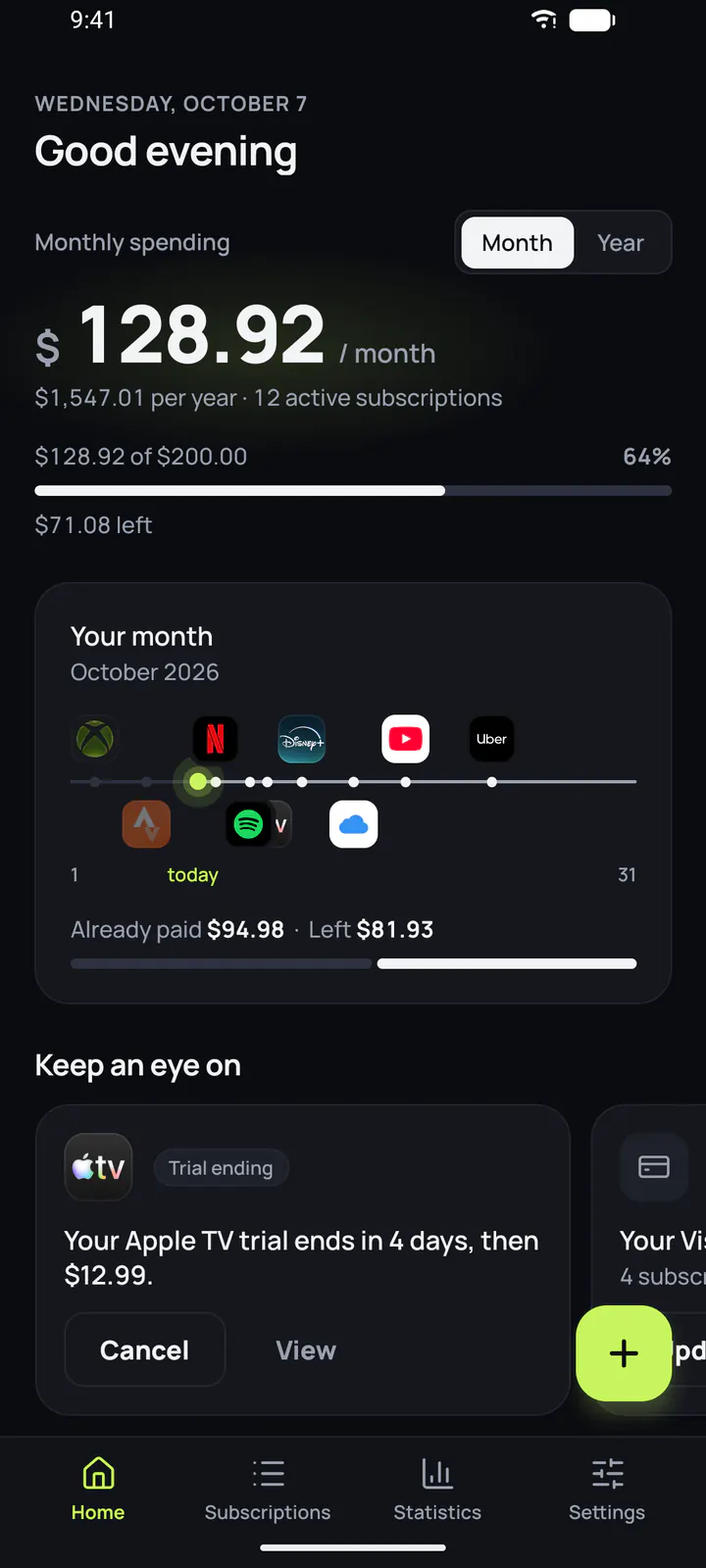
SubSavy home screen: $128.92 a month across 12 active subscriptions
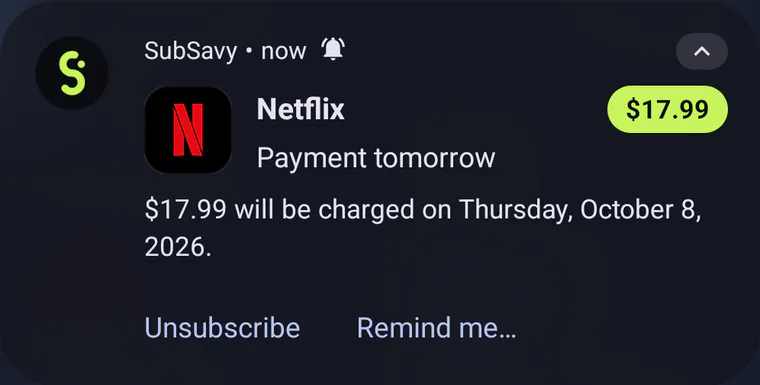
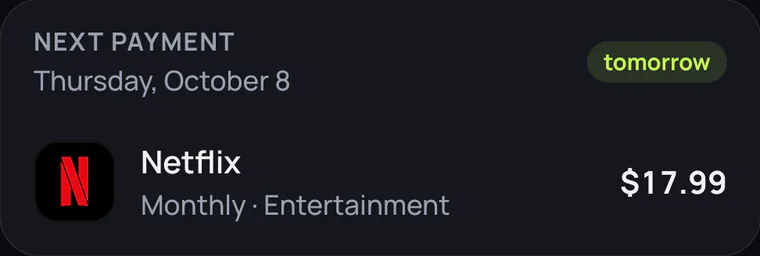
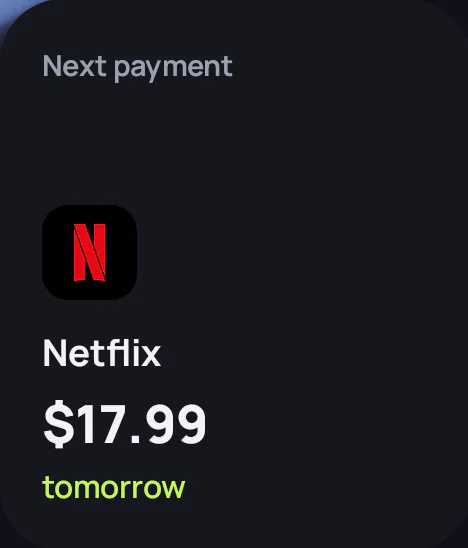
SubSavy notification: Netflix, payment tomorrow, $17.99 Next payment card: Netflix, $17.99, tomorrow

100+ services ready to add.

Pick a service from the library and its logo and cancel link come with it. Not in the list? Add it yourself in a few seconds, with a picture from your gallery if you like.

  • Netflix
  • Spotify
  • Disney+
  • YouTube Premium
  • Amazon Prime
  • Apple TV
  • PlayStation Plus
  • iCloud+
  • Deezer
  • Xbox Game Pass
  • Canal+
  • Microsoft 365
  • Duolingo
  • Max
  • Adobe Creative Cloud
  • Nintendo Switch Online
  • Apple Music
  • Paramount+
  • Crunchyroll
  • DAZN
  • Dropbox
  • Google One
  • Notion
  • Figma
  • Canva
  • Audible
  • Kindle Unlimited
  • Strava
  • Headspace
  • Calm
  • Uber One
  • Basic-Fit
  • NordVPN
  • 1Password
  • LinkedIn Premium
  • Twitch
  • TIDAL
  • YouTube Music

Reminders

A reminder before every charge.

The day before, three days before or that morning: you choose when to hear about it, and at what time. Reminders arrive even when the app is closed, with no internet connection.

  • You also get a heads-up when a free trial ends or a price changes.
  • One reminder isn’t enough? Add as many as you like to each subscription.
  • Several charges on the same day? One notification sums them up.
  • From the notification, open the service’s cancel page or get reminded later.
Notification: Netflix, payment tomorrow, $17.99 will be charged on Thursday, October 8 Notification: your Apple TV trial ends in 2 days, then $12.99

Calendar

Spot the busy days of your month.

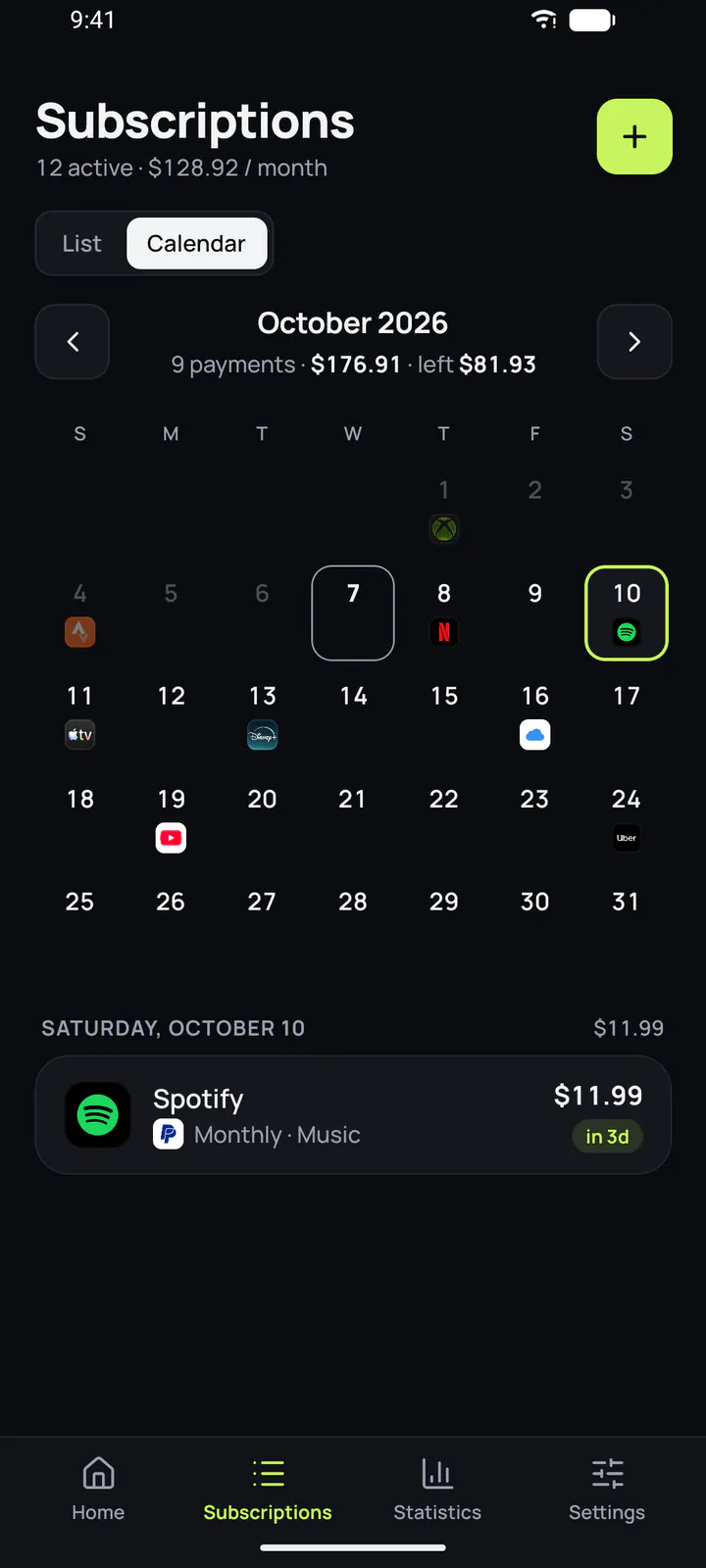
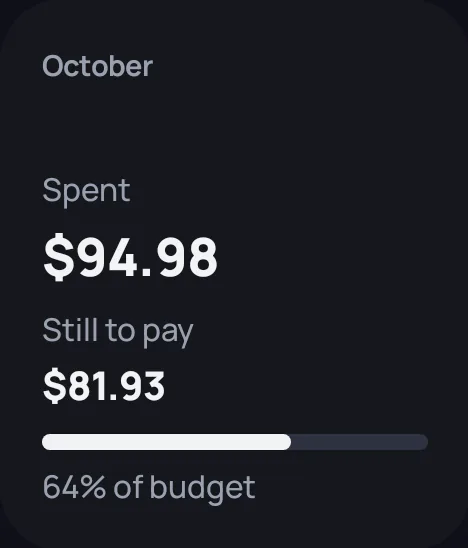
Open the app and your monthly total is right there, with what’s left to pay. On the calendar, every charge sits on its date with the service’s logo, so the heavy days stand out.

  • A monthly budget, with an alert when you go over.
  • Weekly, monthly or yearly plans, all brought back to one monthly and yearly total.
October 2026 calendar with service logos on each payment day
Saturday, October 10: Spotify, $11.99, in 3 days

Stats

See where your money goes.

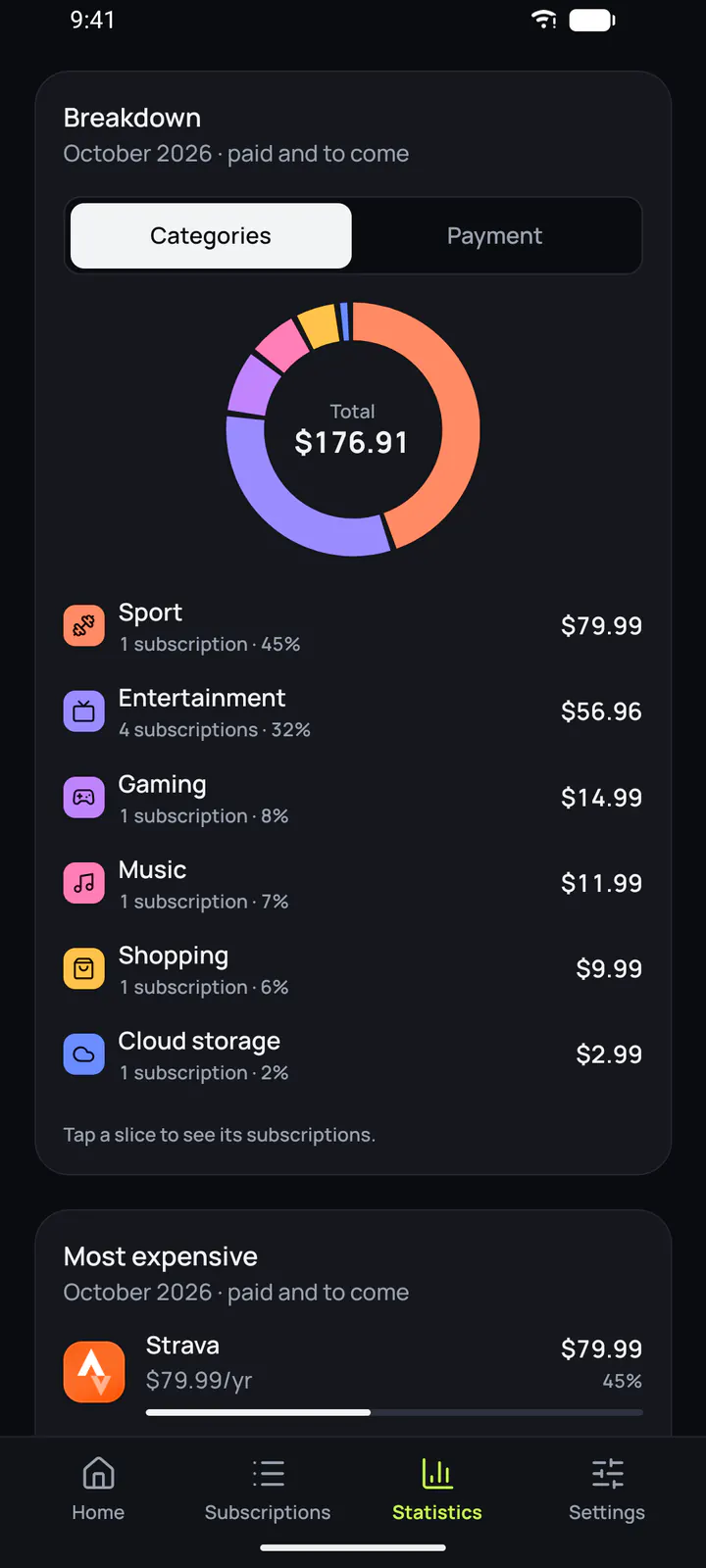
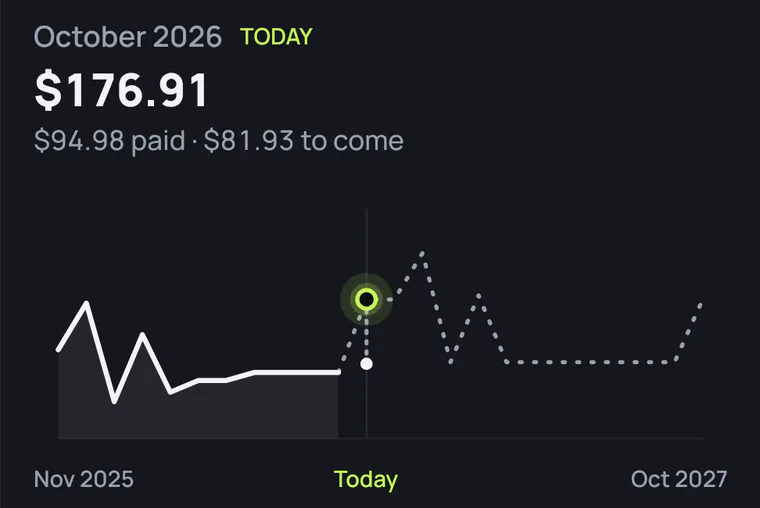
Your spending is sorted by category and by payment method. The trend chart shows how your total moved over the last twelve months, and what’s ahead in the next twelve.

  • Your most expensive subscriptions, so you know where to start.
  • Multiple currencies, converted with European Central Bank rates, even offline.
Stats: October spending broken down by category
Trend chart for October 2026, over the past twelve months and the next twelve

SubSavy in 28 seconds.

The real app screens. No sound needed.

And also

The little oversights that cost money.

Cancel your trial before it starts charging.

Enter the date your free trial ends. SubSavy warns you before the first charge, with the link to cancel.
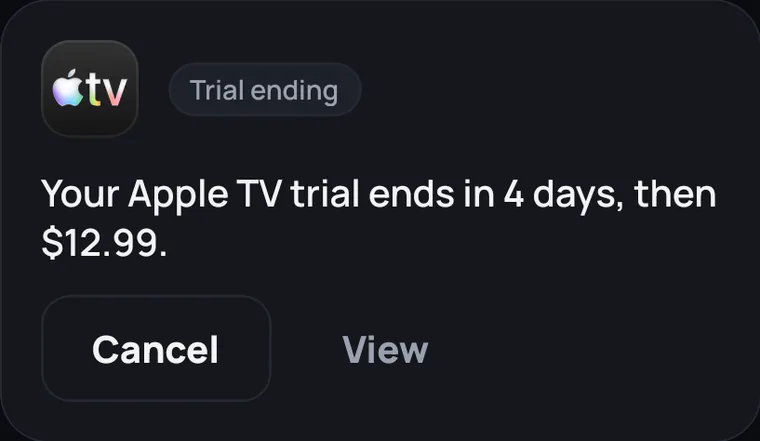
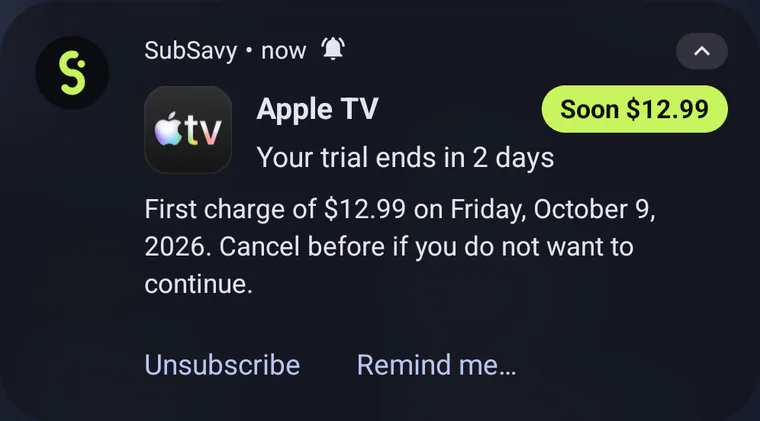
Keep an eye on card: your Apple TV trial ends in 4 days, then $12.99, with Cancel and View buttons Notification: your Apple TV trial ends in 2 days

Manage your payment methods.

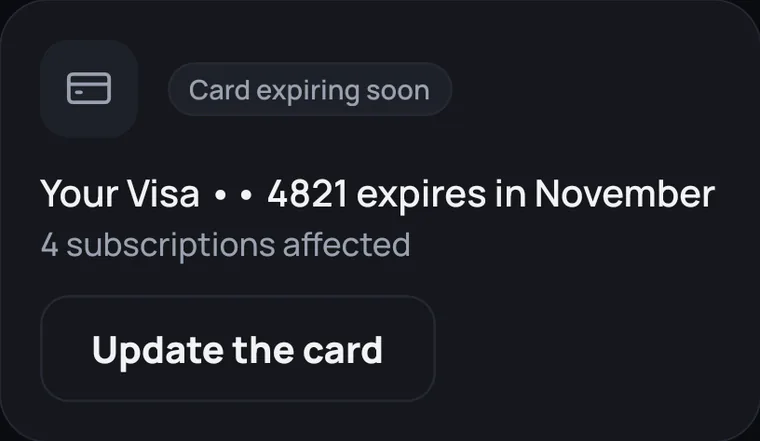
Card expiring? See which subscriptions to update.

Alert: your Visa 4821 expires in November, 4 subscriptions affected, Update card button

Your next payments, without opening the app.

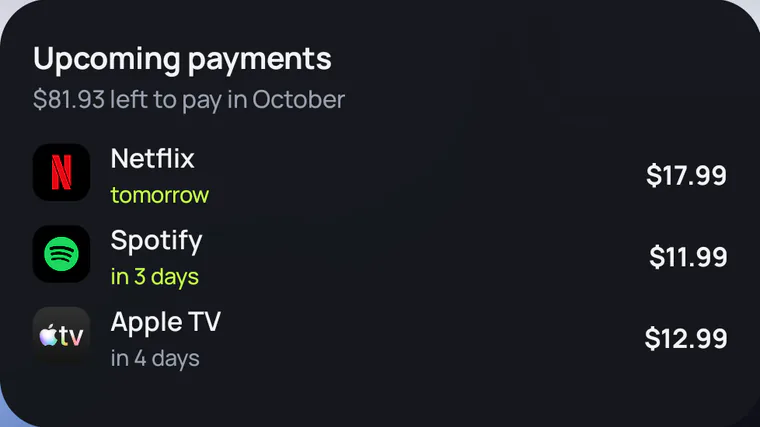
Three Android home screen widgets: your upcoming payments, the next charge and this month’s total.

Your data stays with you.

No account to create, no SubSavy server.

  • Your subscriptions are stored on your phone.
  • SubSavy never connects to your bank.
  • Automatic backup goes to your own Google Drive.
Privacy policy

Questions

Another question? Write to delrive.apps@gmail.com.

Is SubSavy free?

Yes. SubSavy is free, and you can track as many subscriptions as you like.

Does SubSavy access my bank account?

No. SubSavy never connects to a bank and never asks for your banking details. You add your subscriptions yourself, in seconds with the library of services.

Where is my data stored?

On your phone and nowhere else: no account, no SubSavy server. You can export a backup whenever you like, or let it happen automatically in your own Google Drive, in a private folder only the app can read.

How do reminders work?

For each subscription, you choose how many days ahead and at what time to be notified. Your phone schedules the notifications itself, so they arrive even offline, without opening the app. You’re also notified when a free trial ends or a price changes.

Is SubSavy on iPhone?

Not yet. SubSavy is available on Android, and the iPhone version is on its way.
See the next charge coming.

Free on Google Play, in English and French.

Get it on Google Play